
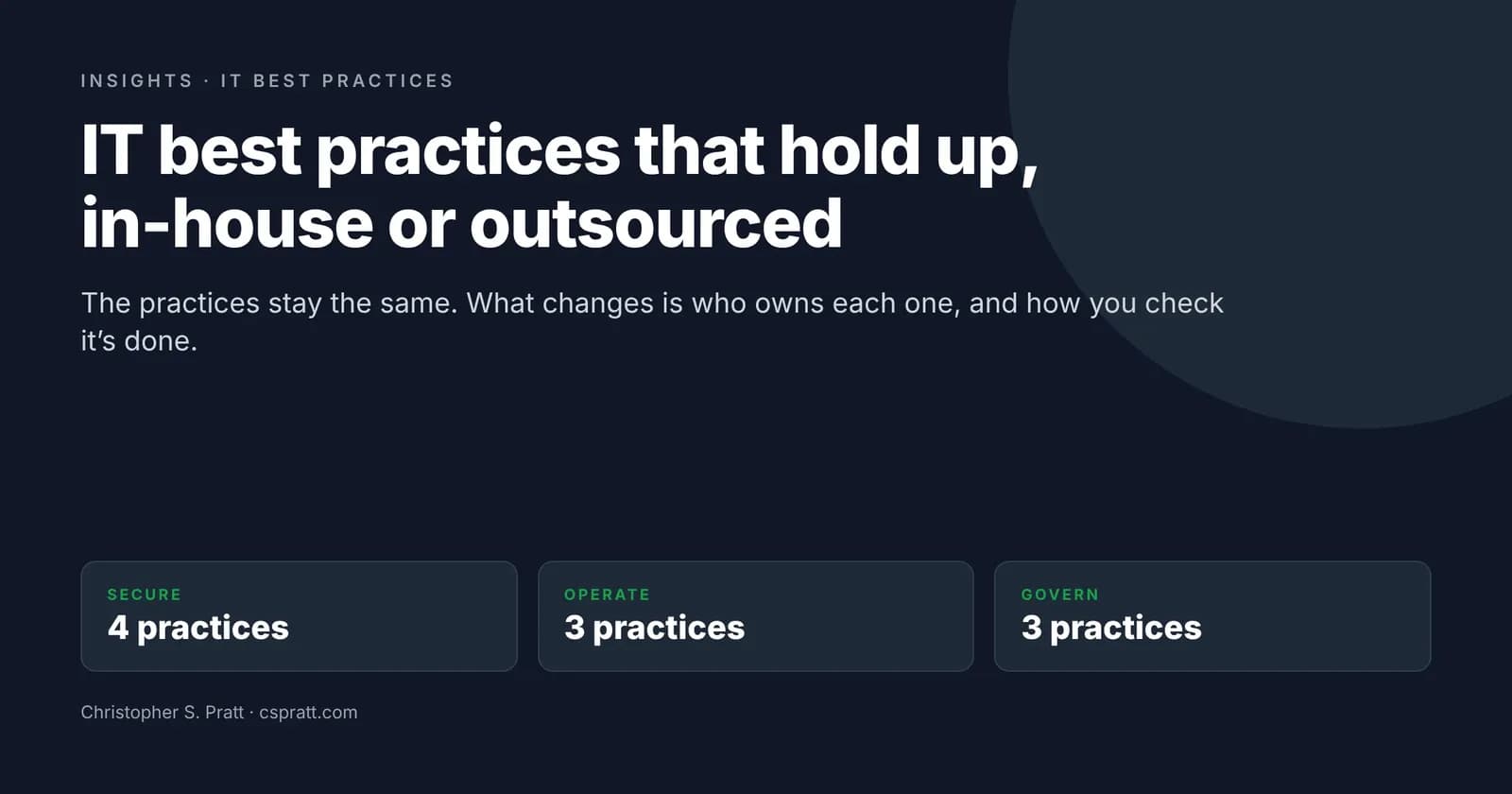
Good IT doesn't depend on who does the work. Whether you have an internal IT team, an outside managed service provider (MSP), or a mix of both, the best practices are the same. What changes is who owns each one, and how you check that it's actually getting done.
I've spent eight years leading MSP teams across 50+ client environments, working alongside internal IT teams of every size. The organizations that run well have one thing in common: they treat these practices as non-negotiable, whatever their IT model.
Three ways to run IT
Most businesses use one of three models:
- Internal IT: your own staff handle support, systems and security. You get deep knowledge of the business, but coverage, specialist skills and tools are limited by headcount.
- Co-managed IT: your internal team keeps strategy and day-to-day knowledge, while an MSP adds tools, after-hours coverage and specialists such as security or cloud engineers.
- Fully managed IT: an MSP runs IT end to end, and the business sets direction and holds it accountable.
None of these is the right answer for everyone. The best practices below apply to all three.

Ten best practices that apply in every model

Secure
1. Control identity and access. Turn on multi-factor authentication (MFA) everywhere, give people only the access they need, and run a checklist every time someone joins, changes roles or leaves.
In-house: HR and IT share the onboarding and offboarding checklist. With an MSP: the MSP runs it from tickets, and you approve access changes.
2. Patch on a schedule. Update operating systems, applications and firmware on a set schedule, with a fast track for critical vulnerabilities.
In-house: a monthly patch window with reporting. With an MSP: patch compliance reported to you every month.
3. Back up, and prove it. Keep backups automated, keep at least one copy that can't be altered or deleted, and test a real restore on a schedule.
In-house: someone owns the restore test and records the result. With an MSP: the restore test and its result are in your monthly report.
4. Protect and watch every device. Endpoint detection and response (EDR) on every workstation and server, with people watching alerts around the clock.
In-house: usually added through a managed detection and response (MDR) service. With an MSP: it should be part of the security stack.

Operate
5. Run a real service desk. One way to ask for help, every request tracked as a ticket, and response and resolution targets written down in a service level agreement (SLA).
In-house: even a small team benefits from a ticketing system. With an MSP: SLAs belong in the contract.
6. Control changes. Plan, approve and record changes to systems, firewalls and access, with a way back if something breaks. Emergency changes still get recorded afterward.
In-house: a short weekly change review. With an MSP: agree up front which changes need your approval.
7. Own your documentation. Keep an inventory of hardware, software and licenses, network diagrams and configurations, and keep admin credentials in a password vault the business controls.
In-house: documentation is part of finishing every project. With an MSP: your contract should state that the documentation belongs to you.

Govern
8. Plan for incidents before they happen. Write an incident response plan with named roles and a restore order, and rehearse it with a tabletop exercise at least once a year. I've written about why that planning matters in a 24-hour ransomware recovery.
In-house: leadership and IT run the exercise together. With an MSP: make sure the MSP's plan and yours fit together.
9. Manage vendors and licenses. Know every technology vendor, what each one costs, who can access your systems, and when contracts renew.
In-house: a simple vendor list, reviewed every year. With an MSP: the MSP often manages vendors, but you approve them.
10. Plan and review regularly. Keep a technology roadmap tied to the business plan, with a hardware refresh schedule and a budget, and review it every quarter.
In-house: IT leadership reports to executives. With an MSP: quarterly business reviews (QBRs), often led by a vCIO.

What you can outsource, and what you can't
You can hand off the work. You can't hand off the accountability. Whatever your model, the business should always:
- own its data, its accounts and its documentation
- hold the master admin credentials, stored in a vault the business controls
- make the risk decisions: what to protect, how much downtime is acceptable, and what to spend
- approve access and significant changes
- review performance against agreed metrics
An MSP or internal team does the work, and the business decides and checks.

Moving from internal IT to an MSP
Whether you're moving to co-managed or fully managed IT, a planned handoff avoids the gaps that cause outages. A 90-day plan works well:
- Days 0–30: discover and secure. Transfer documentation and credentials into a business-owned vault, inventory every device and account, confirm backups, and agree escalation paths.
- Days 31–60: standardize. Deploy the MSP's monitoring and security tools, retire duplicate tools, and bring patching and endpoint protection up to a common baseline.
- Days 61–90: optimize. Confirm SLAs and reporting, hold the first business review, and build the technology roadmap together.

How to measure it
Whoever runs your IT, the same handful of measures tells you whether these practices are actually happening:
- First response time: how quickly a ticket gets a real response
- Resolution time: how long it takes to fix, compared with the SLA
- Patch compliance: the share of devices fully up to date
- Backup success and last restore test: whether backups ran, and when a restore was last proven
- MFA coverage: the share of accounts protected by MFA
- User satisfaction: a quick rating after each ticket
Ask to see these every month. If a provider, or your own team, can't produce them, that tells you something too.

Frameworks worth anchoring to
You don't need to invent any of this. Three frameworks cover most of it:
- ITIL (Version 5), released in early 2026, for service management practices such as incident management, change enablement and service desk.
- CIS Critical Security Controls v8.1, a prioritized set of 18 security controls. Implementation Group 1 is a practical baseline of basic cyber hygiene for smaller organizations.
- NIST Cybersecurity Framework (CSF) 2.0, which organizes security into six functions: Govern, Identify, Protect, Detect, Respond and Recover.
The bottom line
The best IT organizations, internal or outsourced, aren't defined by their tools. They're defined by doing the basics every time, writing them down and measuring them. Choose the model that fits your business, keep ownership of what matters, and hold whoever does the work to these ten practices.
If you're weighing a move to co-managed or fully managed IT, start with why you might need an MSP and the 10 most common IT mistakes. Or get in touch and we can walk through your setup together.
Comments
Leave a comment