
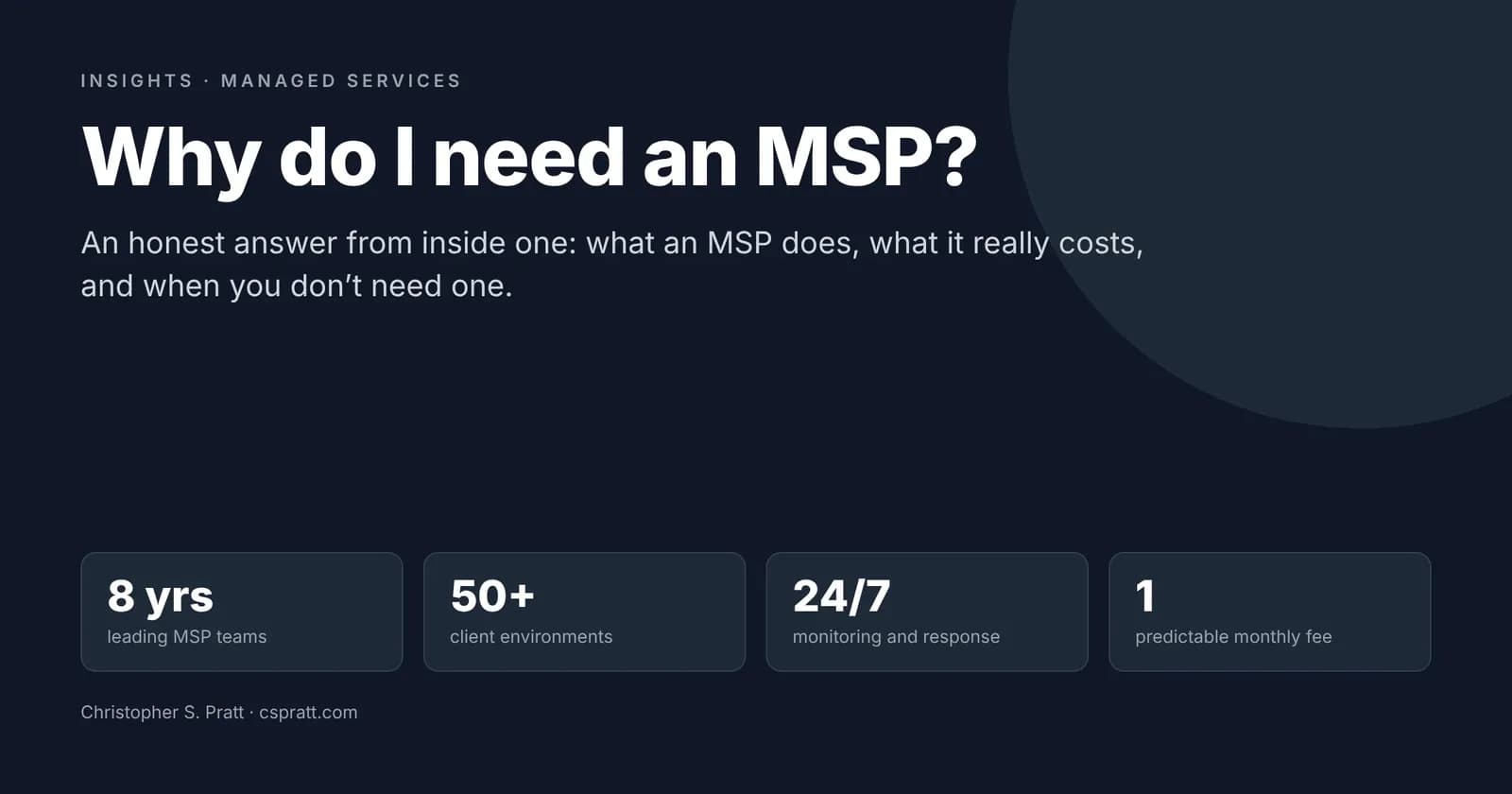
Most businesses don't decide to hire a managed service provider (MSP). They get pushed into it, usually by an outage, a security scare, or the day their one IT person hands in their notice.
I've spent eight years leading MSP teams across 50+ client environments, and the question I hear most from owners is the simplest one: why do I need an MSP at all? Here is the honest answer, including when you don't.
Break-fix vs managed services
There are two ways to run IT support. With break-fix, you call someone when something stops working: a failed drive, a slow server, a laptop that won't boot. You pay per incident, and nobody is watching in between.
With managed services, the MSP watches your environment continuously and fixes problems before they turn into outages. You pay a predictable monthly fee, and the incentives flip. A break-fix provider earns more when things break. An MSP earns more when they don't.

That difference is the whole case in one sentence. Break-fix pays for problems. Managed services pays for prevention.
What an MSP actually takes off your plate
A good MSP runs the day-to-day technology your business depends on, so your team doesn't have to:
- Help desk and user support: one place for employees to get help, with tracked tickets and response times
- Monitoring and maintenance: around-the-clock monitoring, patching and updates for servers, workstations and network gear
- Cybersecurity: endpoint protection, threat detection and response, email security and security awareness
- Backup and recovery: backups that are monitored, protected from tampering and actually tested
- Cloud and Microsoft 365: migrations, licensing, identity and access management
- Strategy: a technology roadmap, budgeting and regular business reviews, often through a vCIO

The benefits that matter
- Problems get caught early. Continuous monitoring finds the failing drive or the full disk before users notice.
- A whole team, not one person. You get help desk, systems, network and security skills, plus coverage for vacations, sick days and the night shift.
- Security that keeps up. Threats change weekly. An MSP sees attacks across many clients and applies what it learns to all of them.
- Recovery you can count on. When something does go wrong, a tested backup and a practiced plan decide how long you're down. I've seen that firsthand: in a 24-hour ransomware recovery, the planning done beforehand made all the difference.
- Room to scale. Adding ten people or a new office doesn't mean hiring another IT person. The MSP scales with you.
- Modern tools without the upfront cost. You get enterprise-grade monitoring, security and automation without buying and running it yourself.

The real cost comparison
The fair comparison isn't an MSP's monthly fee against one IT salary. It's the fee against everything it takes to cover the same ground in-house:
- salaries and benefits for help desk, systems, network and security skills, which rarely come in one person
- recruiting, hiring and training, and doing it again when someone leaves
- the tools: monitoring, ticketing, endpoint security, backup and documentation platforms
- coverage for after-hours, holidays and time off
- management time spent running all of it
An MSP spreads its tools, training and specialists across many clients, so each client pays a share. For most small and mid-size businesses, that makes the monthly fee lower than building the same capability in-house.

How MSP pricing usually works
Most MSPs charge a fixed monthly fee, priced per user, per device or as tiered bundles. Project work, like a cloud migration or a new office, is usually quoted separately. What moves the price:
- the number of users, devices and locations
- how complex the environment is
- compliance requirements
- the response times you need in writing
- how much on-site support you need
What downtime is costing you
The cost most owners never add up is downtime. Here is a quick way to estimate it:
- Divide your annual revenue by your business hours per year to get revenue per hour.
- Multiply by the hours your systems were down in the past year.
For example, a business with $5 million in revenue that runs 2,080 business hours a year (52 weeks of 40 hours) brings in about $2,400 an hour. If it lost 20 hours to outages last year, that's roughly $48,000 in revenue at risk.

And that's only revenue. It doesn't count staff being paid while they wait, the cost of the recovery itself, or what an outage does to customer trust.
How to choose an MSP
Not every MSP is the same. These questions separate the good ones:
- What are your response times, and are they in the contract?
- How do you protect and test backups? Ask when they last ran a real restore.
- What is your security stack? Look for endpoint detection and response, plus people watching it around the clock.
- Who owns the documentation? Your passwords, diagrams and configurations should belong to you.
- How will you report to us? You should get plain-language updates, not alert codes.
- Do you have experience with our compliance requirements? For example, HIPAA, SOC 2 or PCI.
- Will you help us plan, not just fix? Regular business reviews and a technology roadmap are where an MSP earns its keep.
- What happens if we leave? A good partner makes leaving easy, which is a good sign you won't want to.

When you might not need one
If you're a handful of people working entirely in cloud apps, with nothing sensitive to protect, a good part-time consultant may be enough. Once you have a server, compliance requirements, more than one location, or a business that stops when the systems stop, the math usually tips toward an MSP.
The bottom line
You need an MSP when IT has become too important to run on luck and too broad for one person. The right partner gives you a full team, proactive monitoring, real security and a plan, for a predictable monthly cost.
If you're weighing an MSP, or wondering whether your current one is delivering, get in touch. I'm happy to walk through it.
Comments
Leave a comment