
Small businesses rarely stall because of a bad idea. They stall because the systems underneath them can't keep up: the server that's full, the laptop setup that takes a week, the security question from a new client that nobody can answer.
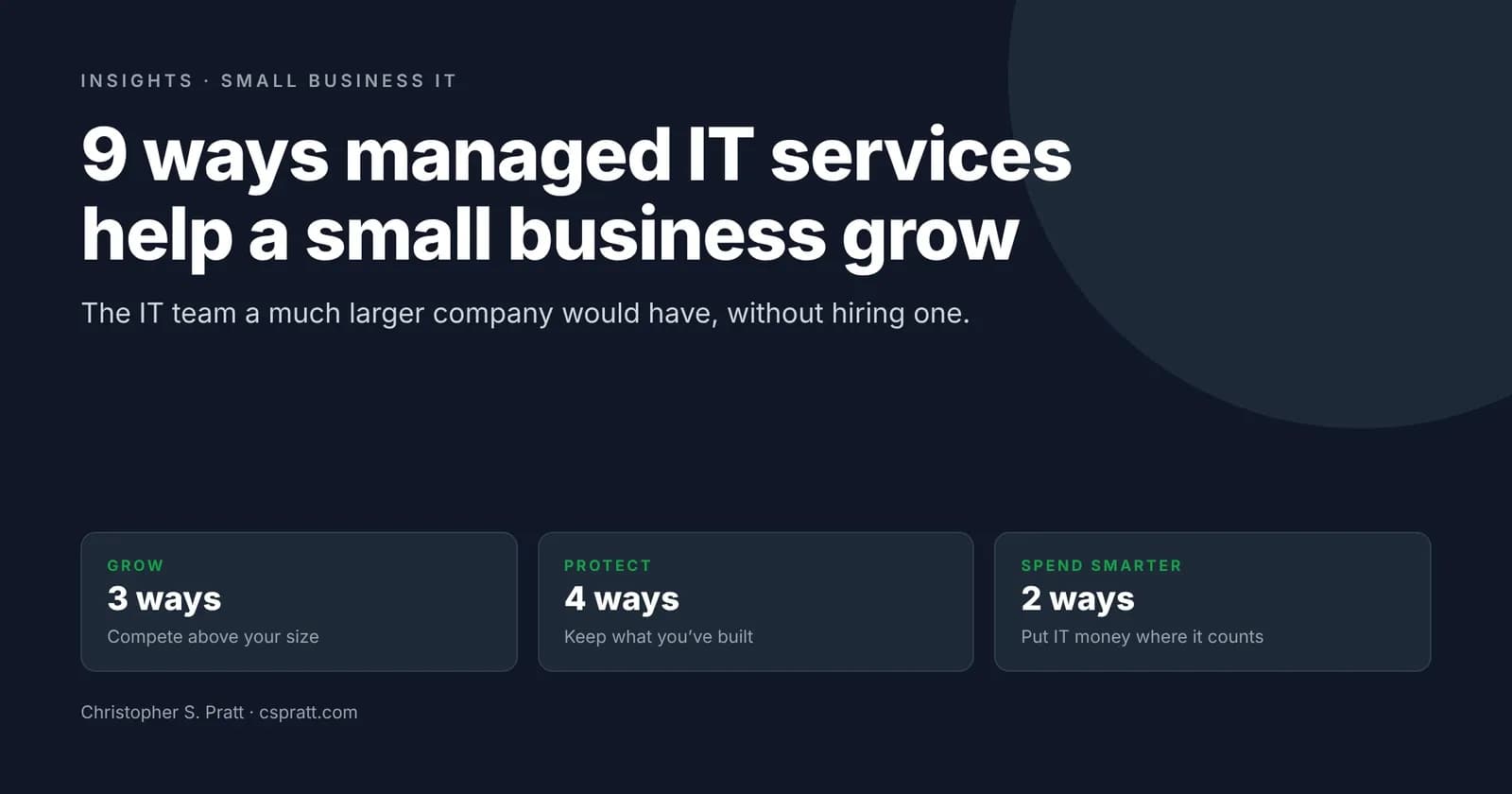
Managed IT services fix that by giving a small business the kind of IT team a much larger company would have, without hiring one. After eight years leading MSP teams, these are the nine ways I've seen it make the biggest difference to growth. They fall into three groups: helping you grow, protecting what you've built, and spending smarter.

Grow: compete above your size
1. Get enterprise-grade IT without an enterprise budget
Larger competitors have help desks, security teams and IT leaders. With an MSP, so do you. That shows up in places customers notice: faster onboarding of new staff, systems that just work, and confident answers when a client asks how you protect their data.
2. Give your people their time back
Every hour an office manager spends resetting passwords or chasing a printer is an hour not spent on customers. An MSP takes those requests off your team, with response times set in a service level agreement (SLA). Most issues get fixed remotely in minutes, not when someone can drive over.
3. Scale without growing pains
Hiring ten people, opening a second office or moving to the cloud should feel routine. An MSP plans storage, licensing, network capacity and cloud services ahead of time, and warns you before you hit a limit rather than after.

Protect: keep what you've built
4. Security that's built in, not bolted on
Small businesses are attractive targets because attackers assume they're less protected. An MSP closes that gap with security policies, endpoint protection, regular vulnerability checks and people watching for threats.
5. Data you can always get back
Managed backup and disaster recovery means your data is copied, protected from tampering and tested. When something does go wrong, the difference between a bad day and a business-ending week is whether recovery was planned in advance. I've written about what that looks like in a 24-hour ransomware recovery.
6. More uptime
Continuous monitoring catches failing hardware, full disks and errors before they become outages, and SLAs put a number on how fast problems get fixed. Less downtime means more hours your business is actually earning.
7. Compliance without the guesswork
HIPAA, PCI, SOC 2 and industry-specific rules can be confusing. An MSP helps you understand which ones apply, keeps systems configured to meet them, and keeps the records auditors ask for.

Spend smarter: put IT money where it counts
8. Lower, predictable operating costs
Instead of carrying salaries, training and tools for a full IT department, you pay a predictable monthly fee for the services you need. That turns IT from a surprise expense into a line item you can plan around.
9. Better hardware, licensing and vendor management
MSPs buy at volume and manage vendor relationships every day. They can often get better pricing on hardware and software, make sure you're not paying for licenses you don't use, and handle the vendor calls so you don't have to.

How support grows with you
The right MSP doesn't sell the same package at every stage. What you need changes as you grow:
- Getting started: help desk, security basics, backups and Microsoft 365 set up properly from day one.
- Growing: standard laptop setups, onboarding and offboarding, a second location, and a technology roadmap tied to the business plan.
- Scaling: compliance programs, advanced security with around-the-clock detection and response, and vCIO-level planning and budgeting.

Choosing the right partner
Before you sign, check four things:
- Services: do they cover everything you need today and next year?
- Fit: are they the right size to treat you as a priority, with experience in your industry?
- Security background: if your data is sensitive, security should be a core skill, not an add-on.
- Support hours: when your team works late or a system fails at 2 a.m., who answers?
For a deeper look at the questions to ask and how to compare the real cost, see Why do I need an MSP?.

The bottom line
Managed IT services aren't just about fixing computers. Done well, they let a small business move faster, stay protected and spend its IT budget on growth instead of firefighting.
If you're planning your next stage of growth and want to talk through where IT fits, get in touch.
Comments
Leave a comment