
An MSP service desk never really goes quiet. Endpoint alerts fire, tickets land, and clients ask questions, all day and all night. Each one is a signal, and most of the job is working out what that signal means and who should act on it.
That triage work is where good engineers lose their hours. Before anyone fixes a problem, someone has to open the RMM, look at the device, read the ticket history, decide whether it's noise or a real issue, and pass it to the right person. Multiply that by a few hundred signals a week and you have a team that spends more time sorting work than doing it.
So I built a platform that does much of the sorting. It's written in Python, it uses Claude as the reasoning layer, and it plugs straight into the two systems our service desk runs on: N-able N-central for monitoring and management, and Autotask PSA for tickets. This post covers how it works, what it does, what it has saved us, and the guardrails that keep it safe.
Put the model where the data is
The most important design choice was to connect Claude to live systems, not to a chat window. Most teams try AI by pasting a ticket or an error log into a chatbot and asking for help. That works for one-off questions. It doesn't scale, and the answer is only as good as the summary someone thought to paste in.
The platform connects Claude to N-central and Autotask through their APIs. When it looks at an issue, it works from real endpoint telemetry and the real ticket record, not a copy-pasted summary. That covers device health, alert history, patch and service status, the client and contract the device belongs to, and what has already happened on the ticket.

This matters for two reasons:
- Better answers. The model sees the same context an experienced engineer would gather by hand, so its recommendations rest on facts rather than guesses.
- No extra steps. Nobody copies data between tools. The platform pulls what it needs, reasons over it, and writes the result back where the team already works.
Python is the glue. It handles the API calls, normalizes the data from both platforms into a consistent shape, decides what context to send to Claude, and turns Claude's output into structured actions the PSA understands.
What it does
The platform handles three jobs that used to eat the most engineer time.

1. Analyzes endpoint telemetry and recommends fixes
When N-central raises an alert, the platform pulls the device's current state and recent history and asks Claude a focused question: what is most likely going on, and what should we do about it? The answer comes back as a short diagnosis and a recommended fix, attached to the ticket.
The key word is recommends. An engineer still decides whether to act. What changes is the starting point: instead of an empty ticket and a raw alert, they open a ticket that already says what's probably wrong and what to try first.

Client portal mockup with sample data. Each server gets an AI diagnosis and a recommended fix; an engineer reviews and approves before anything changes.
2. Auto-routes tickets to the right engineer or queue
Routing looks simple, but it's a judgment call made hundreds of times a week. Is this a network issue or an M365 issue? Does it need a senior engineer or the help desk? Is the client on a contract that changes the priority?
The platform reads each new Autotask ticket along with the related device and client context, classifies it, and assigns it to the right queue or engineer. Tickets stop bouncing between people, and the dispatcher role stops being a bottleneck.

Client portal mockup with sample data. Every priority carries a recommended fix and the Autotask queue it was routed to.
3. Feeds client dashboards with plain-language status
Clients don't want alert codes. They want to know whether things are healthy, what broke, and what's being done. The platform turns technical status into short, plain-language updates and feeds them to client dashboards.
Every assessment run produces a client-ready report: a health score, an executive summary written in plain English, and the numbers behind it, each explained.

Client portal mockup with sample data. Each run pulls live data from N-central and Autotask, and an engineer reviews the report before the client sees it.

Client portal mockup with sample data. The executive summary is AI-generated and engineer-reviewed, with the data sources for the run listed below it.

Client portal mockup with sample data. Telemetry from N-central, with an "in plain terms" explanation under each section.
That cuts down on "just checking in" calls and emails. It also makes every account manager's QBR easier, because the story of the quarter is already written in words the client understands.
The result: 10 to 15 hours back every week

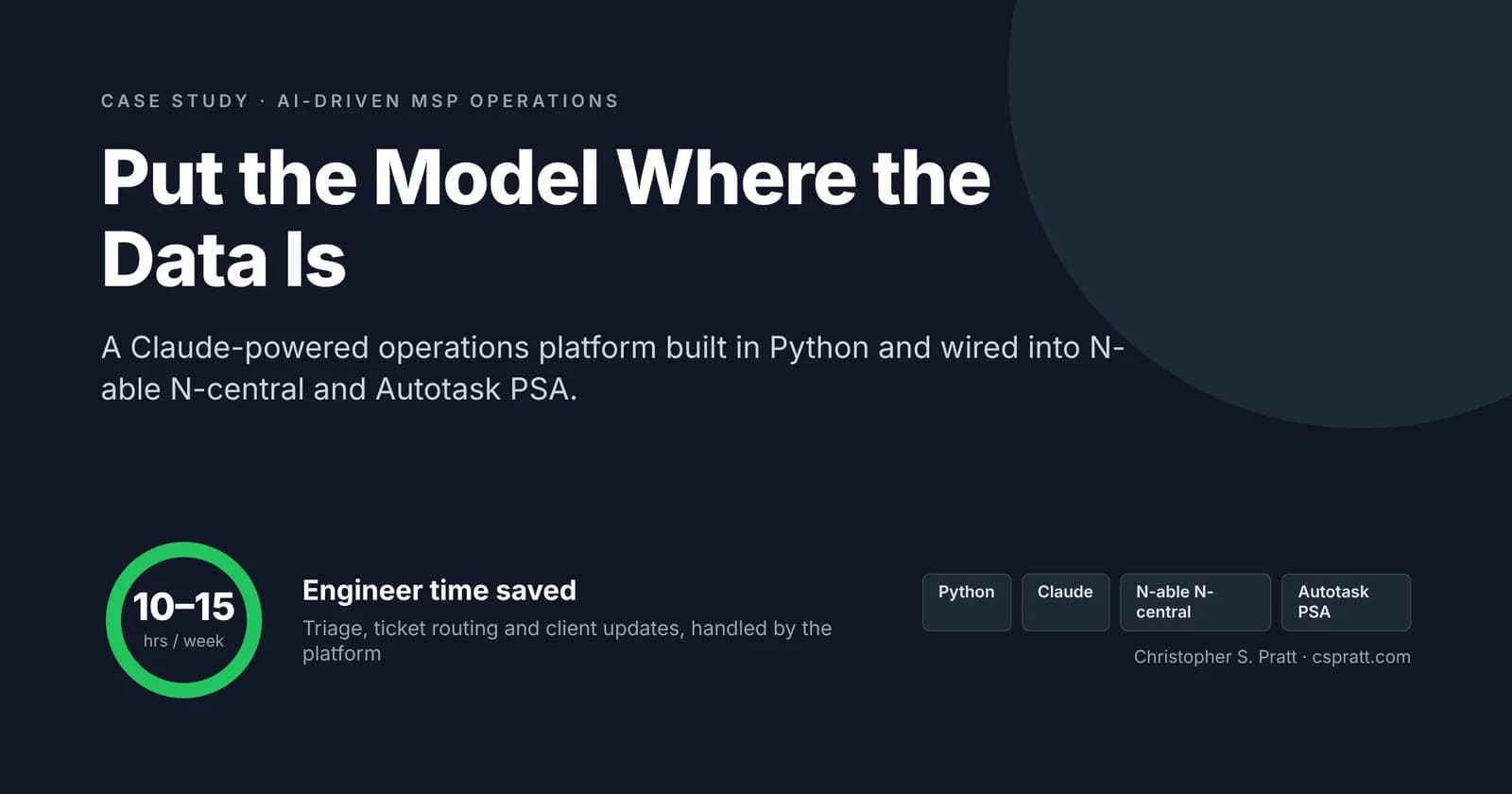
The team saves 10 to 15 engineer hours a week. That time used to go to opening alerts, gathering context, deciding where tickets belong, and writing status updates. Now it goes to actually fixing things and to project work that had been stuck in the backlog.
The gains go beyond hours. Tickets reach the right person on the first try. Engineers start each ticket with context instead of a blank page. Clients get clearer, more consistent communication. For an MSP, where margin depends on how many endpoints each engineer can support well, that adds up quickly.
The guardrails: governance is part of the build
The hours saved matter, but the governance around the platform matters just as much. An MSP holds the keys to its clients' environments. Connecting an AI model to that data without clear rules doesn't remove risk. It moves the risk somewhere new.
So the platform shipped with an AI usage policy, not after it. The policy defines what data may be used, and it answers questions like these:
- What data can go to the model? Which telemetry fields and ticket content may be sent, and which may not, such as credentials, secrets, and sensitive client data that has no bearing on the task.
- What can the AI decide on its own? Routing and summaries can run automatically. Changes to a client's environment still go through an engineer.
- How is it reviewed? Engineers can see, question, and override what the platform produced, and those outputs stay on the record in the ticket.
- How do clients know? Being open about how AI is used in service delivery is part of earning and keeping trust.

Without that policy, a productivity gain can quietly turn into a security or compliance problem. With it, the team can use the tool with confidence, and I can explain to any client exactly how their data is handled.
What I'd tell another MSP leader
If you run a service desk and you're thinking about AI, here's what I learned building this:
- Start with triage, not magic. The biggest win wasn't a clever new feature. It was taking the repetitive judgment calls off engineers' plates.
- Integrate, don't copy-paste. The model is only as useful as the context it sees. Connect it to your RMM and PSA through their APIs.
- Keep humans on the consequential calls. Let the AI recommend and route. Let engineers decide what changes in a client's environment.
- Write the policy before you scale. Decide what data the model can touch before the tool becomes part of daily work, not after something goes wrong.
- Measure it. Track hours saved and routing accuracy so the value is clear to your team, your leadership, and your clients.

AI won't replace a good service desk. It can take away the parts of the job that keep good engineers from doing their best work. If you'd like to compare notes on AI-driven operations in an MSP, get in touch.
Comments
Leave a comment